
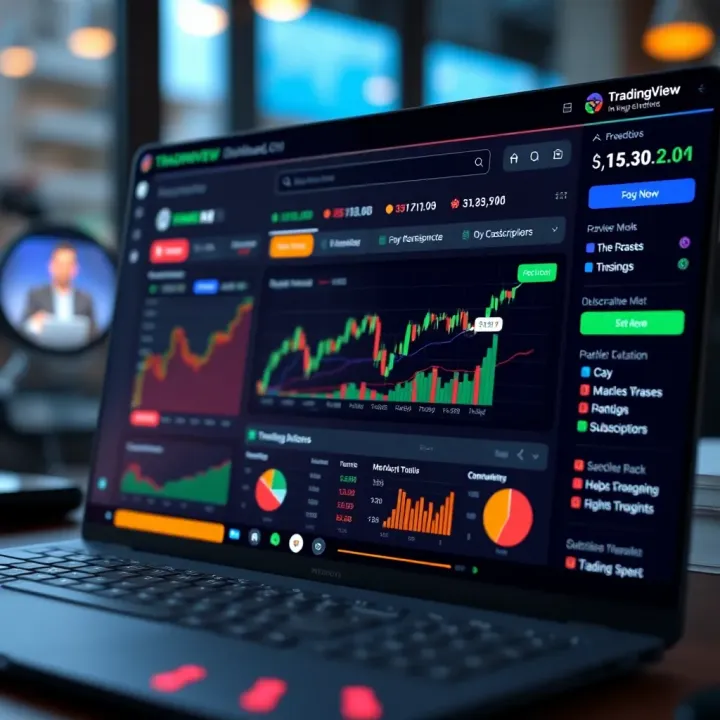
Using TradingView.com for Market Analysis in Pakistan
Discover how to use TradingView.com for in-depth market analysis in Pakistan📈. Learn about charts, indicators, market news📰, strategies, and community features.
Edited By
Amelia Roscoe
TradingView has carved out a solid place among traders and investors worldwide, and it’s not hard to see why. The platform offers a unique blend of real-time market data, extensive charting tools, and a large community sharing ideas and scripts, all in one space. Whether you’re peering into Forex markets, stocks, cryptocurrencies, or commodities, TradingView packs enough punch to meet most analysis needs.
Understanding how to navigate this platform can feel like cracking a tough nut, especially if you’re more used to traditional tools or looking to shift gears from basic analysis. This guide aims to lay down a clear, straightforward pathway to mastering TradingView, shining a light on the features that genuinely help in reading the market’s pulse.
In this article, we’ll cover key points such as customizing charts for sharper insights, tapping into real-time data streams, and employing practical strategies that have real-world applications. Whether you're a seasoned analyst or a trader just starting out in Karachi or Lahore, this guide will help you leverage TradingView’s tools effectively without drowning in unnecessary jargon or complexity.
"Tools don’t make the trader, but knowing how to use them can certainly tilt the odds in your favor."
With the growing number of platforms out there, getting familiar with TradingView’s layout, indicators, and social features can save plenty of time and headaches. Stick around to find out what sets it apart and how you can get the most from your market analysis efforts.
Starting with TradingView is like getting your hands on a versatile toolkit that’s designed for traders and investors of all levels. At its core, TradingView offers a way to visualize and analyze market data through charts and other tools. But why does this matter so much in today’s trading world? Because having clear, accessible, and real-time insights can make a huge difference when decisions have to be fast and reliable.
If you’re looking to not just follow the market but understand its movements, TradingView serves as a bridge. It combines complex data into digestible visuals and gives you the practical tools to spot trends, compare assets, and ultimately make more informed trading choices. Take, for example, a day trader who needs up-to-the-minute updates on both forex and stock movements on a single platform—TradingView’s multi-market access allows for that without switching apps or losing valuable seconds.
TradingView isn’t just about looking at charts; it’s about turning those charts into actionable insights that fit various trading styles and goals.
TradingView’s charting tools are quite feature-packed. Instead of just basic lines and bars, you get a range of chart types including Heikin Ashi, Renko, and Point and Figure. This variety helps traders tailor their analysis to specific strategies. For instance, a swing trader might prefer Heikin Ashi charts for spotting smoother trends, while a scalper could benefit from tick charts.
These tools allow zooming in on minute details or zooming out to catch the bigger market picture. Additionally, features like drawing trend lines, marking support and resistance levels, and overlaying multiple instruments enrich the analysis process. It’s not just about what you see but how you can interact with the chart to deepen your understanding.
TradingView opens the door to stocks, forex, cryptocurrencies, futures, indices, and even bonds, all in one place. This is a big plus for anyone who trades across different markets or wants to diversify effortlessly. Instead of juggling various platforms, you track and analyze your preferred instruments side by side.
Imagine an investor in Pakistan keeping an eye on US stocks, EUR/USD forex pair, and Bitcoin simultaneously. TradingView lets them set up a workspace with all these markets visible, so they don’t miss out on any key move.
One of the less obvious but immensely valuable features is the community aspect. Traders and analysts worldwide publish their analyses, forecasts, and trade setups. You can tap into this collective knowledge to check different viewpoints or validate your own ideas.
For beginners, this means learning from seasoned traders by observing their thought process and reasoning. More experienced users gain fresh perspectives or spot ideas they might have missed. Interacting with the community by commenting and sharing your ideas also builds confidence and sharpens your analytical skills.
TradingView is often praised for being straightforward and clean. Unlike some tools that feel cluttered or overly technical, TradingView’s layout is intuitive. It’s easy to drag and drop indicators, toggle between charts, and customize views without fumbling through complicated menus.
For example, a trader setting up their first chart can quickly add a Moving Average and RSI without a steep learning curve. This simplicity means less time wrestling with software and more time focusing on market moves.
Not having to install software or save charts locally is a convenient advantage. TradingView is cloud-based, so your charts and settings follow you wherever you log in—whether that’s at home, office, or on the go.
A trader in Karachi can start preparing charts at work and continue editing them later from a mobile device at home without any extra steps. This seamless accessibility also reduces the risk of losing your setups due to computer crashes or local storage issues.
TradingView supports hundreds of technical indicators, ranging from classic ones like Bollinger Bands and MACD to niche and custom ones made by the community. This broad availability lets you experiment and find what fits best with your strategy, whether it’s trend-following, momentum, or volatility analysis.
What’s more, you can customize these indicators or combine several at once to get deeper insights. For instance, pairing volume analysis with RSI might reveal strength behind a price move that neither would show alone.
In short, this mix of tools, ease of use, and community inputs make TradingView a powerful ally for anyone serious about market analysis.
Getting started with TradingView is the first step every trader and investor must take to make their market analysis sharper and more data-driven. This section is all about laying the groundwork—creating your account, getting familiar with the dashboard, and setting up your initial charts. These basics are what turn a casual observer into someone who can spot opportunities and risks accurately.
Signing up on TradingView is straightforward but worth paying attention to. You simply provide your email, create a password, or sign up using your Google or Facebook account. Straight away, you get access to their freemium tier, which offers enough tools to get you started without paying a dime. This step is vital because without an account, you won't be able to save any charts or set alerts—features important for effective ongoing analysis.
Once you register, you’ll be prompted to customize basic preferences like your default currency or the markets you want to follow. This small customization saves time later and keeps your feed relevant.
After logging in, the dashboard is your control center. Here, you’ll see a mix of widgets displaying market news, trending tickers, and your watchlist, if you’ve added any. The dashboard also has quick links to popular parts of the platform such as charts, screeners, and the community ideas section.
For example, if you’re focused on the Pakistan Stock Exchange (PSX), you can add major companies to your watchlist. This way, you’ll get a quick pulse check on how stocks are moving during the day.
Navigating TradingView’s dashboard without feeling overwhelmed is key. Start by exploring the top menu bar—it includes tabs like Charts, Ideas, Screener, and More, which branch out into specific functions. Familiarize yourself with the search bar at the top, which lets you quickly find any financial instrument worldwide.
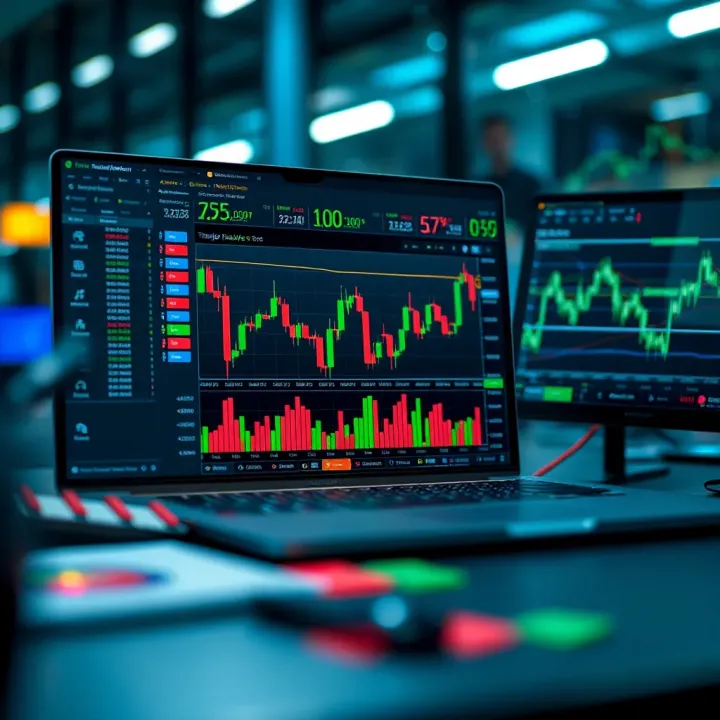
Another helpful tip is to save your frequently used layouts on the dashboard or charts. This ensures you don’t waste time setting them up every time you log in. Hover over icons to reveal their names—this simple trick helps you not get lost among the many tools TradingView offers.
Selecting the right financial instrument is the starting block for any analysis. TradingView supports a vast variety from stocks, forex pairs, cryptocurrencies, commodities to indices. If you're focusing on the Pakistani market, you might start with companies listed on the PSX like Pakistan Oilfields or Meezan Bank.
Selecting an instrument isn’t just about preference but how it fits into your trading goals. For instance, day traders might prefer volatile assets like forex pairs (USD/PKR), while long-term investors might look at blue-chip stocks.
TradingView offers several chart types, including line, bar, candlestick, and others like Heikin Ashi and Renko. Each tells a different story:
Candlestick charts provide detailed price action with open, high, low, and close points, widely used because they’re easy to read.
Line charts simply connect closing prices, making them suitable for spotting overall trends.
Heikin Ashi smooths out price action, filtering noise for clearer trend spotting.
Choose the chart based on your analysis style. For example, swing traders often rely on candlesticks to make entries and exits.
Once your chart is up, it’s all about tweaking to make it your own. You can adjust the timeframe—minutes for intraday trading or days/weeks for long-term analysis. Don't overlook chart scaling; switching between linear and logarithmic scales can impact how prices appear.
Color schemes also matter. Many traders prefer a dark background with green and red bars, but if that tires your eyes, go for lighter themes. The key takeaway: customize till it feels comfortable for you. For instance, adjusting candlestick colors to blue and orange might make it easier for you to spot bullish or bearish momentum, depending on your personal preferences.
Remember: Setting up your first chart isn’t a one-and-done deal. It’s a process of trial and refinement as you get more used to the platform and your trading style.
Getting these foundational steps right means you’re ready to dive into deeper technical analysis without fussing over basic navigation or settings. This makes your whole TradingView experience smoother and more productive.
Understanding the core charting features on TradingView is like getting the nuts and bolts right before building a car. These tools form the backbone of your market analysis, helping you spot trends, reversals, and entry points with better clarity. Instead of guessing, you can actually see the market's pulse by relying on well-established techniques embedded in the platform.
TradingView offers a treasure trove of technical indicators, but a few stand out for their reliability and extensive use among traders. Moving Averages (like SMA and EMA) smooth out price action to highlight trends. RSI (Relative Strength Index) flags overbought or oversold conditions, while MACD (Moving Average Convergence Divergence) helps reveal momentum shifts. Bollinger Bands show volatility through dynamic price bands. Knowing these indicators and understanding their strengths lets you quickly interpret market signals without second-guessing.
Adding indicators on TradingView is straightforward—just click on the "Indicators" button on the chart toolbar and pick from the categorized list. Customization comes next: you can tweak lengths, apply different calculation methods, or switch colors and line thicknesses to suit your visual preferences. For instance, if a standard 14-period RSI feels too laggy, you can adjust it to 7 or 21 for more sensitivity or stability. This flexibility lets you fine-tune your charts so the data speaks your language, making analysis both efficient and intuitive.
No single indicator tells the full story, so combining them is key to reducing false signals. For example, pairing RSI with Moving Averages can confirm if a momentum spike aligns with a trend shift. Some traders add volume indicators alongside to validate the strength behind moves. The trick lies in selecting complementary indicators—not doubling up on similar ones—and adjusting timeframes so you’re not drowning in conflicting signals. This balanced approach helps you spot high-confidence trade opportunities backed by multiple forms of evidence.
Drawing trend lines is among the simplest yet most powerful ways to understand market direction. By connecting consecutive lows or highs, you sketch out trends visually. TradingView lets you drag and drop these lines, with options to extend beyond the current price or create parallel channels capturing price movement breadth. Fresh trend lines can reveal areas where price has repeatedly bounced or faced resistance—critical clues for spotting possible reversals or breakouts.
Fibonacci retracements help traders estimate potential pullbacks within a trend by using ratios derived from the famous Fibonacci sequence (such as 38.2%, 50%, and 61.8%). On TradingView, you select a price swing high and low, and the tool draws horizontal lines at these key levels. Traders watch these levels closely as zones where price might find support or resistance. For example, in a strong uptrend, a retracement to the 61.8% line that holds can indicate a buying opportunity before the price continues higher.
Support and resistance are fundamental in any market analysis. They represent price zones where buying or selling pressure has historically flipped the direction. Drawing these levels on TradingView helps you visualize critical barriers that price tends to respect. Unlike trend lines, support and resistance can be horizontal or slanted, reflecting different market dynamics. Recognizing these areas means you can plan entries, exits, or stop-loss levels with more confidence, preventing nasty surprises.
Mastering these core charting features on TradingView sets a strong foundation for smarter market moves. When you combine solid indicators with well-placed drawing tools, the market's story becomes clearer, helping you trade with purpose rather than guesswork.
Personalizing your charts in TradingView isn’t just about making them look nice—it’s about tailoring the tool to fit your trading style so you can spot opportunities and manage risks more efficiently. When traders customize charts, they cut through the noise, focusing on the specific signals and visuals that mean the most to their strategies. This section will dig into practical ways to shape your charts—from color tweaks to saving layout preferences—to get the most from TradingView.
Changing color schemes and styles makes your charts easier on the eyes and quicker to interpret. For example, if you tend to trade late at night, a dark theme might reduce eye strain and keep you alert. Alternatively, some traders prefer bright colors for indicators like moving averages or RSI so they stand out clearly. TradingView offers choices ranging from classic black-on-white to vibrant palettes. Adjusting candle colors for bullish and bearish trends can quickly convey market mood—green for gains and red for losses is standard but you can switch to anything that suits your visual preference. The main tip: pick a scheme that helps you stay focused and miss fewer details.
Adjusting time frames is another powerful customization. Different strategies demand looking at charts through various “time lenses.” Day traders might zoom in on 5-minute or 15-minute charts to catch quick setups, while swing traders often stick with daily or 4-hour frames to track longer moves. TradingView lets you toggle between these effortlessly or even display multiple timeframes side-by-side. By configuring this thoughtfully, you get a clearer picture of short-term wiggles and long-term trends simultaneously, which helps avoid surprises.
Saving chart layouts prevents you from rebuilding your setups every single time you log in. After spending time arranging your preferred indicators, colors, and chart types, hit the save button to capture everything. You can create different templates tailored for certain assets or trading approaches—say, one layout for equities with Bollinger Bands and volume, another for forex with MACD and RSI. This saves time and ensures consistency, so your setup is always ready exactly how you like it.
Types of alerts available on TradingView cover price levels, indicator conditions, and even drawing tools like trendlines or support/resistance breaks. For instance, you might set an alert to notify you when Bitcoin crosses above $30,000 or when the RSI hits an oversold level below 30. These alerts come in handy because you don’t need to stare at the screen all day — TradingView can ping you via email, SMS, or app push notification.
Configuring alert conditions means defining exactly what triggers the alert. You could specify alerts for exact price touches, percentage moves, crossing of moving averages, or custom indicator values. This precision ensures you’re only notified of relevant movements that match your trading criteria. For example, you might set a condition like "price crosses above 50-day moving average" to catch potential trend shifts early.
Managing and reviewing alerts helps keep your watchlist neat and actionable. TradingView gives you a central hub to see active alerts, snooze ones you’re not acting on immediately, or delete outdated notifications. Staying organized here is key, especially when tracking multiple assets or strategies. Regularly reviewing your alerts also lets you adjust or fine-tune setups based on market changes or new insights.
Alert settings are a bit like having a personal assistant on your trading desk—it keeps an eye on the numbers so you don’t have to.
By customizing chart appearance and setting intelligent alerts, you can turn TradingView from a generic tool into a personalized trading assistant that works just for you. Your charts become clearer and your market awareness sharper, improving the chances you make sound, timely decisions.
TradingView isn’t just a place for charting tools and data—it’s built around a vibrant community of traders and analysts sharing ideas, strategies, and insights. Utilizing this social aspect can fast-track your learning and give you access to viewpoints you might not consider on your own. Whether you're a newbie or a seasoned pro, engaging with the community helps transform isolated analysis into a dynamic, ongoing dialogue.
When you first dive into TradingView’s community, knowing how to find and follow experienced traders can be a real game-changer. The platform offers a search feature where you can filter users by reputation, activity, and the markets they specialize in. For example, if you're into Forex or Pakistani equities, you might follow top contributors known for their technical analysis in those fields. This way, you get a steady stream of charts and commentary directly relevant to your trading interests.
The benefits of tapping into community insights go beyond just saving time. You gain exposure to different analysis styles—some follow strict trend analysis, others lean on fundamental data. This mix broadens your perspective. Plus, spotting consensus on certain market moves can boost your confidence to act decisively, like how multiple analysts might signal a key support level holding strong in the Karachi Stock Exchange.
Engaging with shared ideas isn’t only about passively reading. TradingView encourages active participation through comments and discussions under posts. Don’t hesitate to ask questions or share your own thoughts on a chart. By contributing, you build connections, get fresh feedback, and often discover nuances you might’ve missed, such as subtle divergences or volume cues. It’s a real two-way street that enriches your trading toolkit.
Sharing your own analyses on TradingView is simpler than you might think, and can seriously sharpen your skills. Start by selecting a chart with a clear setup—maybe a trending stock like Systems Limited or a popular currency pair—and then annotate your technical observations and trade thesis. Use clear, jargon-free explanations so others can follow your logic easily.
Once shared, your ideas can attract feedback from fellow traders, which is invaluable. Constructive criticism might highlight overlooked risks or alternative scenarios, making your future analyses stronger. For instance, an experienced trader might point out a detail in your Fibonacci retracement that you missed, shaping your approach next time.
Building a reputation on TradingView takes consistency and quality. Traders who regularly post in-depth, thoughtful analyses earn followers and respect. This reputation can open doors—getting noticed by professional traders, invitations to webinars, or collaborative opportunities. Like any social platform, staying authentic and respectful goes a long way. It’s not about flashy claims but steady, insightful contributions that help others.
TradingView’s community turns solo charting into a collective effort, where you not only improve your own game but can contribute meaningfully to the wider discussion. Don’t underestimate the value of engaging actively—listsining, sharing, and questioning can transform your understanding and results.
Incorporating the social features of TradingView into your routine adds layers of insight and connection that raw data and charts alone just can’t provide. It’s a key step towards becoming a more confident, informed trader in today’s fast-moving markets.
Integrating TradingView with your brokerage account reshapes the way you approach market analysis and trading. Instead of analyzing charts on one platform and then jumping to another just to execute trades, this integration condenses the entire process into one streamlined workflow. For traders and investors in Pakistan, especially those managing multiple instruments, this connection can seem like a breath of fresh air. It’s about reducing friction and saving precious time — which often matter more than we realize in trading.
TradingView supports a growing list of brokerages worldwide, including popular names like OANDA, FXCM, and Alpaca. For Pakistan-based traders, while local broker integrations are limited, international brokers accessible from Pakistan, like Interactive Brokers and Saxo Bank, can be linked with TradingView. This broad compatibility means users can pick a broker that suits their trading style and still manage trades through the same TradingView platform they use for analysis.
Connecting your broker account to TradingView is fairly straightforward. First, you need to sign in to your TradingView account. From there, go to the "Trading Panel" at the bottom of your screen. You’ll see available brokerages that TradingView supports. Choose your broker, then enter your brokerage login credentials and authorize TradingView to access your account. It’s a simple process, but make sure you’re on a secure internet connection and double-check your credentials to avoid connection errors.
Trading directly from TradingView offers a slew of practical benefits. To start, it eliminates the need to switch between platforms, which can mean faster decision-making and reduced chances of missing out on market opportunities. If you spot a setup on your chart, you can place an order right then and there without delays. Further, you get to monitor trades and orders alongside your charts, which makes tracking your performance and making adjustments much more intuitive. Many users also appreciate how it makes managing multiple accounts easier through a centralized hub.
Direct integration between your broker account and TradingView cuts down operational friction allowing you to stay glued to price action and react swiftly.
After connecting your brokerage account, executing trades is a matter of just a few clicks. On your TradingView chart, there’s an order panel where you can select order types like market, limit, or stop orders. You simply input your desired price, quantity, and other parameters. When ready, hitting the buy or sell button sends the order straight to your broker. For instance, a trader spotting a bullish breakout in the PSX market can order a buy immediately without leaving the platform.
Managing open positions from TradingView is seamless. The platform displays your active trades and account balance in a dedicated panel. You can modify or close positions with just a few clicks, allowing you to react intelligently to market shifts. This instant control can be a lifesaver during volatile periods when every second counts to lock profits or cut losses.
Keeping tabs on your order status — whether it’s pending, filled, or canceled — is also built into TradingView’s broker integration. This live status update ensures you don’t stay in the dark about your trades. For example, if a limit order hasn’t filled, you can adjust it without jumping out of TradingView, making it easier to refine your entry strategy.
In sum, plugging your broker account into TradingView isn't just a neat feature but a functional upgrade that changes the trading game. It minimizes hassle while promoting more focused and faster trading — something every market participant, particularly those in Pakistan’s dynamic financial sphere, can benefit from.
As traders look to sharpen their market analysis, diving into TradingView's advanced features can really up their game. These tools go beyond the basics and let you tailor your trading strategies, get more nuanced insights, and ultimately make smarter decisions. From scripting your own indicators to analyzing multiple timeframes simultaneously, this section breaks down how you can take full advantage without getting lost in a maze of options.
One of TradingView's standout features is Pine Script, a user-friendly scripting language that lets traders create their own custom indicators. Unlike heavy-duty programming languages, Pine Script is designed to be more accessible. You won't need a computer science degree to tweak or whip up your own tools.
Think of Pine Script as your trading toolbox. If you find yourself frustrated with the default indicators, you can use Pine Script to develop something tailor-made for your style—maybe a unique moving average blend or a fresh take on RSI adjustments.
Here’s a super basic example: a custom moving average that colors the line green when the price is above it and red when it's below. Small touches like this can make charts pop and help spot trends easier.
pinescript //@version=5 indicator("Color MA", overlay=true) length = input.int(14, "Length") source = close ma = ta.sma(source, length) color_ma = close > ma ? color.green : color.red plot(ma, color=color_ma, linewidth=2)
If you want to master Pine Script, TradingView has a great manual and an active community forum where beginners and pros share scripts and ideas. Websites like "PineScript.dev" offer practical tutorials, ranging from very basic to pretty advanced levels.

### Setting Up Multi-Timeframe Analysis

Looking at a single chart timeframe can sometimes give you a blurry picture of the market. Multi-timeframe analysis lets you examine the same asset across different time segments, giving a fuller perspective.

Why bother? Well, say you're day trading on a 15-minute chart but also keep an eye on the daily and hourly charts. The longer timeframes show the bigger trend while the shorter ones handle the entry and exit points. This layered view helps avoid chasing false signals.

TradingView makes it a breeze to set this up:

- Open multiple charts in a grid layout.
- Assign each chart to a different timeframe.
- Use linked symbol features to flip through different assets without losing your timeframe setup.

When combined, signals from various timeframes can confirm or question each other. For example, if your daily chart shows a strong uptrend but the hourly is hitting resistance, you might hold off entering until the shorter timeframe aligns.

> **Pro tip:** Be cautious about conflicting signals across timeframes. It’s not about juggling alerts but understanding the context they provide.

Interpreting these combined signals demands practice, but it sharpens your market instincts and allows you to sift through noise.

Using these advanced features—customized scripts and multi-timeframe setups—gives you a leg up in the game by adapting TradingView to fit your unique trading style and strategies.

## Summary: Maximizing Your TradingView Experience

Wrapping up, knowing how to squeeze the best out of TradingView can seriously sharpen your market game. This isn't just about clicking buttons and setting charts—it's about weaving together tools, strategies, and ongoing learning to make sound decisions every single time. Traders who get comfortable combining chart analysis with real-time alerts and community insights tend to spot angles others miss.

### Combining Tools for Informed Decisions

#### Strategy development

Building a solid trading strategy using TradingView helps you stay purposeful instead of flying blind. For example, you might combine the Moving Average Convergence Divergence (MACD) indicator with support and resistance levels to confirm entry points. Instead of just guessing, you’ll have quantifiable signals guiding you — like waiting for the MACD to cross above its signal line right after price bounces off a known support. Regularly refining your strategy based on what the charts tell you prevents costly mistakes.

#### Risk management integration

Integrating risk controls in TradingView is a lifesaver — literally for your capital. Using features like alert notifications, you can set stop-loss levels to close positions when the market moves against you, locking in losses before they balloon. Also, by visually marking risk zones on your charts, you keep emotional decisions at bay. Setting realistic position sizes aligned with your risk tolerance helps prevent sleepless nights. Consider the example of risking only 1-2% of your trading capital per trade; TradingView’s charting tools make tracking those limits straightforward.

### Continuing Learning and Staying Updated

#### Utilizing educational resources

TradingView offers heaps of tutorials, webinars, and a vibrant community, all ideal for sharpening your skills beyond basic chart reading. Utilizing these resources keeps you sharp and ready to adapt to new market conditions. Even comfy veterans benefit from catching up on fresh indicator techniques or strategy tweaks. Seek out educational content tailored to your experience level, so the learning curve stays manageable.

#### Following market news on TradingView

Markets don’t move in a vacuum, so keeping an eye on news that affects your assets is key. TradingView’s built-in news feed integrates market updates and analyst opinions right in your workspace, saving you from jumping between tabs. For instance, crypto traders can check real-time tweets and news without leaving the platform, helping them react quickly. Setting up alerts for major economic announcements ensures you’re not blindsided by volatile moves.

> Remember, combining solid strategy, good risk management, ongoing education, and staying on top of market developments turns TradingView from a simple charting platform into your personal edge in the markets.

Keep practicing, stay curious, and your TradingView experience will grow richer—helping you navigate the sometimes wild ride of markets with confidence and control.Discover how to use TradingView.com for in-depth market analysis in Pakistan📈. Learn about charts, indicators, market news📰, strategies, and community features.
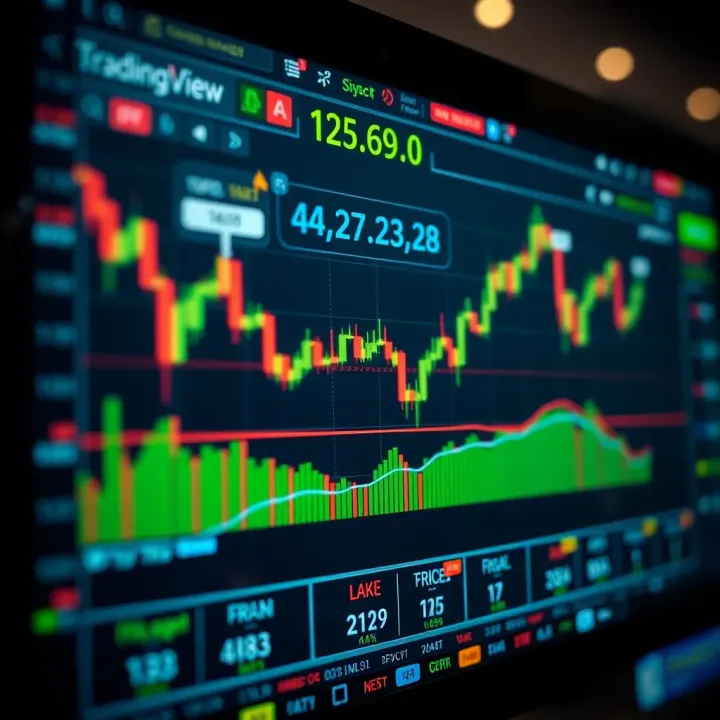
📈 Discover how TradingView live charts help traders in Pakistan analyze markets in real-time with key features, customization, and smart tips for better decisions.
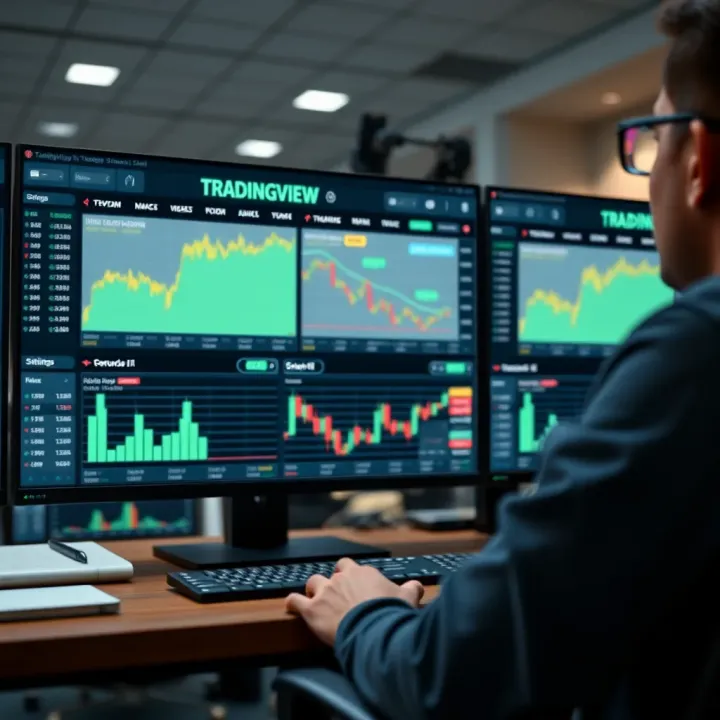
Discover how to implement TradingView charts and widgets effectively for market analysis 📊. Learn setup, customization, and practical tips for traders and developers.
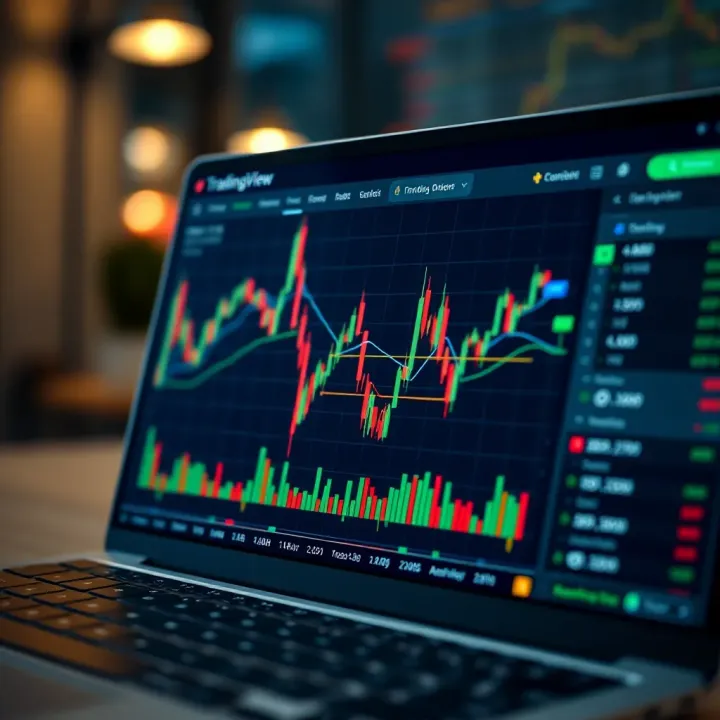
📊 Explore TradingView step-by-step: set up charts, apply technical analysis, customize alerts, connect brokers, and join the trader community to trade smarter.
Based on 14 reviews