

TradingView Guide for Pakistani Traders
Explore TradingView.com for traders in Pakistan 🇵🇰 with detailed tips on features, charts, real-time data, and strategies to boost your trading skills 📈
Edited By
Jessica Howard
If you're trading stocks, forex, or cryptocurrencies from Pakistan, getting the right tools makes a world of difference. TradingView.com is one such tool that traders all around the globe lean on. It’s more than just charts — it’s a platform where data, analysis, and community come together.
Why focus on TradingView for Pakistani traders? Well, local markets like the Pakistan Stock Exchange (PSX) don’t always get the spotlight on bigger platforms. TradingView offers extensive charting options, real-time data, and even social networking features that can boost your trading strategy.
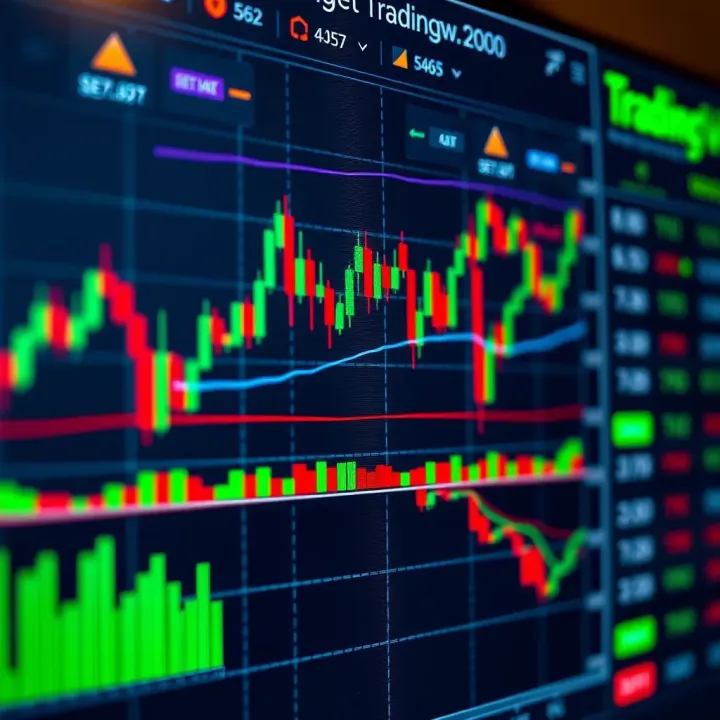
In this guide, we’ll unpack what TradingView brings to the table for traders in Pakistan — from its user-friendly interface to advanced tools, plus subscription plans tailored for varied needs. Whether you're a beginner or a seasoned trader, this article aims to put you in the driver’s seat, helping you navigate the platform efficiently and make smarter trades.
Trading is a tough game, but having the right platform can tip the scales in your favor. This guide is designed to help you do just that with TradingView, tailored specifically for the realities faced by traders in Pakistan.
Let’s get started and break down everything you need to know.
Getting acquainted with TradingView.com is the first step for any trader serious about improving their market analysis, especially in Pakistan's growing trading community. This platform has carved out a niche as a favorite for its handy tools and wide-ranging market coverage. The importance of understanding what TradingView offers can't be overstated—it’s not just about charting stocks but about harnessing real-time data, a social network of traders, and a customizable workspace. For example, if you’re tracking the Pakistan Stock Exchange, TradingView's local data feeds and customizable alerts let you respond immediately to market shifts.
Learning the basics of TradingView sets the foundation for making smarter trading decisions. Imagine you’re trying to catch a brief price movement in the Forex market; having the right charting tools and alerts means the difference between missing out and catching the trade. This section will unpack those fundamentals and offer insights that make the platform approachable and practical for traders dealing both in Pakistan and internationally.
TradingView is a web-based platform that combines interactive charts, live market data, and a social network for traders all in one place. Unlike traditional brokerage software, it’s designed to be accessible and easy to use, with a strong community aspect. Traders use it to view price movements and indicators, share ideas, and test strategies without having to switch between different tools.
For instance, say you want to analyze the performance of a textile company listed on the Pakistan Stock Exchange. TradingView lets you pull up detailed price charts, apply technical indicators such as moving averages or RSI (Relative Strength Index), and even write your own small scripts in Pine Script to customize what you track. Beyond local markets, it covers global stocks, forex, cryptocurrencies, and commodities, giving traders a global perspective.
TradingView attracts a wide array of users: from beginners learning the ropes to professional analysts and educators. Its appeal lies in the straightforward interface paired with powerful tools adaptable to different trading styles and levels of expertise. For example, a day trader in Karachi might use TradingView’s real-time alerts to catch scalping opportunities in forex, while a long-term investor might use it to monitor Pakistan Stock Exchange trends and news feeds.
Financial educators also find it useful for demonstrating concepts to students by sharing real-time charts and annotated ideas. Likewise, market analysts appreciate the platform’s social feature where they can publish analyses and discuss macroeconomic events impacting local or global markets. Essentially, TradingView's versatility and community support fulfill the needs of diverse market participants, making it a go-to resource for Pakistan’s trading audience.
TradingView offers not just data but a lively space where ideas flow freely, helping traders refine strategies through interaction and shared knowledge.
In this article, we’ll guide you through these features and more, equipping Pakistani traders with the know-how to leverage TradingView confidently and wisely.
TradingView stands out for its rich set of core features that appeal specifically to traders in Pakistan who seek control and clarity in their trading strategies. Understanding these features helps traders make more informed decisions without getting lost in complicated software. From detailed charting to up-to-the-minute data feeds, each element serves a practical role in smoothing the path from analysis to action.
One of the best things about TradingView is its interactive charts, which offer traders a clear view of market trends and price behaviors.
TradingView offers a variety of chart types beyond the usual line or bar charts. Users can pick from candlestick charts, which are very popular for spotting patterns in price action; Heikin Ashi charts, which help smooth out price fluctuations; and Renko charts, which focus on price movement rather than time intervals. For example, Pakistani forex traders often prefer candlestick charts when analyzing USD/PKR pairs because they show detailed price movements within each trading session.
The platform gives you a toolbox to mark up your charts with horizontal lines, trendlines, Fibonacci retracements, and more. These tools help mark support and resistance or plot potential price targets, making it easier to keep your analysis organized visually. For instance, if you're tracking the Pakistan Stock Exchange (PSX), you can draw resistance levels where the market historically struggles, guiding your entry or exit points.
What sets TradingView apart is the ability to use or even create custom indicators through Pine Script. Even if you don’t code, many public scripts developed by others can be applied instantly. This feature is a boon for traders who want to blend standard indicators like RSI or MACD with some tweaks tailored to Pakistan’s volatile markets. Such customization encourages traders to test different strategies without depending solely on off-the-shelf tools.
Staying updated with accurate and timely market data is essential, especially when market conditions can change on the fly.
TradingView pulls data from a broad range of markets including equities, forex, commodities, and cryptocurrencies. For Pakistani users, data from the Pakistan Stock Exchange is available, though sometimes with slight delays compared to major international exchanges. Besides local markets, traders can track global players like NASDAQ or the London Metal Exchange, providing a well-rounded view for diversified portfolios.
One practical feature is the alert system allowing users to set up notifications when an asset hits a specific price or triggers a technical indicator. For example, you can set an alert for the KSE-100 index to notify you the moment it moves above a resistance point. This way, you don’t have to watch the screen all day and can rely on timely nudges to make trading decisions faster.
TradingView offers various ways to receive alerts — via email, SMS, or even app notifications on your smartphone. Pakistani traders who juggle multiple jobs or responsibilities can find this feature especially useful to catch market moves on the go. You can customize how and when to be alerted, minimizing noise while staying informed.
Remember, using alerts effectively means setting clear and realistic parameters that match your trading style, so you’re not chasing every minor market wiggle but focusing on meaningful price actions.
In summary, TradingView’s core features equip Pakistani traders with the right tools to analyze markets closely and react promptly. Whether you’re a beginner or seasoned trader, mastering interactive charts and real-time data can make a big difference in your trading outcomes.
TradingView isn’t just about charts and numbers; it’s actually built around a thriving community of traders from all over the globe, Pakistan included. This social aspect provides a space where traders can share their insights, learn from others’ observations, and sharpen their strategies. For Pakistani traders especially, who sometimes face limited local resources, the social community offers a valuable shortcut to knowledge that's otherwise hard to gather.
One of the most rewarding features on TradingView is the ability to publish your own technical analyses, trading setups, or market predictions. Imagine you spot a pattern on the KSE-100 chart suggesting an upcoming breakout. By sharing that analysis, you not only get feedback but also build credibility within the community. This feature lets you document your thought process and track how your ideas perform over time.
You can follow fellow traders whose styles or insights resonate with you. This is like subscribing to a reliable newsletter but on steroids — you get real-time updates right on your feed. For example, a trader specializing in Forex strategies used by many in Pakistan might often post actionable ideas you can learn from or adapt. Following the right people helps you stay ahead without constantly scanning the entire market yourself.
TradingView encourages a two-way street: sharing ideas is just the start. Commenting on others’ posts creates a dialogue that can clarify nuances, challenge assumptions, or add context, which is especially handy for newcomers. When you ask questions or debate viewpoints in comments, you deepen your understanding while building connections. For instance, a trader might ask why a particular moving average crossover was flagged, sparking a useful back-and-forth discussion.
One unique part of TradingView’s community is the shared pool of custom scripts and indicators created using Pine Script. Pakistani traders, even those not too tech-savvy, can browse thousands of these public scripts — from volatility bands to custom momentum indicators — and add them to their charts with a click. These ready-made tools can offer fresh perspectives or complement your existing strategy.
Beyond scripts, there’s a wealth of user-generated content: tutorials, market commentary, and trading tips. This content varies widely in depth but often comes from experienced traders who generously share their expertise. Regularly going through these posts helps you keep up with market sentiment and new trading tactics that might not be featured in mainstream education.
Working together on market ideas is a powerful way to avoid costly mistakes and unearth hidden opportunities. Collaborative threads, group chats, or even coordinated watchlists enable traders from Pakistan to pool their knowledge. For example, a group might track global commodity prices influencing Pakistan’s market or share alerts on sudden price moves in currency pairs popular locally.
Engaging with TradingView’s community could be the edge many Pakistani traders need — it goes beyond charts and numbers, connecting you with a living brain trust that spans the globe. It’s not about blindly copying signals but learning a way to think critically and trade smarter.
In short, using TradingView’s social community effectively allows you to tap into a dynamic network, accelerating your growth as a trader while enjoying the support of peers with similar ambitions.
Understanding the subscription plans and pricing of TradingView is a key step for traders in Pakistan who want to get the most out of the platform. While TradingView offers a free version that is quite functional, many traders find that the paid plans provide much-needed features to enhance their trading strategies. Choosing the right plan can save money and boost trading efficiency, but it depends largely on your specific needs and trading style.
The free plan on TradingView gives you access to basic charting tools and limited indicators. It’s a good starting point for beginners or casual traders who don’t require advanced analysis. However, it caps the number of indicators you can use to just three per chart, limits you to one chart per layout, and restricts real-time data updates for certain markets. For example, if you want to watch multiple stocks or forex pairs simultaneously and use custom indicators, the free plan quickly feels tight.
Imagine you’re a Pakistani trader interested in both the Pakistan Stock Exchange and international forex markets. With the free plan, juggling these could be inconvenient due to limited watchlist sizes and alerts capability. Also, the free version shows ads, which can be a distraction during intense analysis sessions.
TradingView’s paid plans range from Pro to Pro+ and Premium, each stepping up with more advanced features. These include:
Multiple charts in one layout (up to 8 in Premium).
More indicators per chart (up to 25 in Premium).
Extended trading hours and access to additional data feeds.
Enhanced alert options, like email, SMS, and webhook alerts.
No advertisements for a cleaner workspace.
For Pakistani traders, these perks mean smoother multitasking when monitoring both local and international markets, setting precise alert triggers without missing out, and benefiting from more historical data useful for backtesting strategies. Consider a trader using the Premium plan who sets custom alerts on oil prices while also tracking PSX shares during business hours — a setup that’s impossible on the free tier.
Before picking a plan, analyze what kind of trader you are and what features fit your typical workflow. Ask yourself:
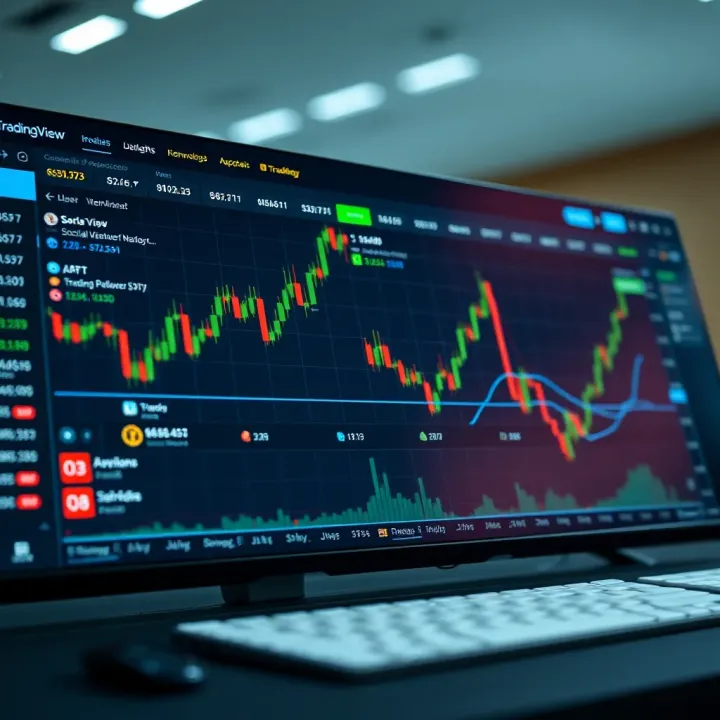
Do I need just basic charts or advanced indicators?
How many simultaneous market instruments am I watching?
Will I benefit from backtesting or custom Pine Script indicators?
Do I require real-time alerts through SMS or webhooks?
For instance, a beginner focusing on a few stocks may do just fine with the Pro plan. But an active forex trader who follows multiple charts and needs quick alerts might want to step up to Pro+ or Premium. Trying the free trial options TradingView offers is a practical way to test what fits your routine best.
Cost is a big factor for traders in Pakistan given the exchange rate and occasional payment restrictions online. TradingView's subscription prices are listed in USD, so monitoring currency fluctuations is important. Pakistani traders often use international payment methods like credit cards or PayPal, but local cards sometimes face blocks or higher fees.
To manage budget, consider upgrading only when the extra features clearly justify the expense. Look out for seasonal discounts or annual subscription savings, which bring the monthly cost down. Also, splitting costs among trading partners or groups is a tactic some Pakistani traders use to access higher-tier plans.
Tip: Always check the current Pakistani rupee to USD rate before payment and use payment methods with minimal transaction fees to avoid surprises.
By weighing your functional needs against the cost and payment options, you can decide which TradingView subscription plan is best suited to your trading goals in Pakistan.
Getting started with TradingView.com is more than just signing up; it’s about setting up a workspace tailored to how you trade. For traders in Pakistan, this step lays the groundwork for a smooth, efficient trading experience. It’s like setting the stage before the play begins — having your profile ready and a dashboard that shows the markets you care about helps you stay on top of trades without scrambling later.
Signing up on TradingView is straightforward but carries some nuances that Pakistani traders should be aware of. First off, head to the website, and you can sign up using your email or through social logins like Google or Facebook. It’s important to use a reliable email because this will be your main contact for account recovery and notifications.
Practical tip: When choosing your username, pick something professional or relevant to trading — it helps if you plan to engage with the community or publish your ideas later. Also, remember to read through their terms so you’re clear on data usage and privacy.
Once you've entered your details, TradingView will ask for email verification — a quick click on the link they send confirms your identity. This simple step unlocks essential features like saving your charts and accessing alerts.
In the settings menu, you'll find options to adjust your profile details and security settings. For Pakistani traders, it’s smart to enable two-factor authentication; it’s an extra lock on your account, especially important if you’re syncing your TradingView account with brokers or handling personal financial data.
Adjust your timezone to Karachi or your local city to ensure that charts align with your market hours without confusion. Proper timezone alignment is vital when you’re interested in both local (PSX) and international markets.
TradingView tracks thousands of markets, but not all are of immediate interest. Adding your favorite markets — like Pakistan Stock Exchange symbols or Forex pairs like USD/PKR — keeps them just a click away.
Here’s the deal: By pinning certain markets, you can monitor price movements, spot trends, and jump into charts much quicker. It’s no fun scrolling through endless lists when the market bell's about to ring.
Just search the market symbol or name in the search bar and hit the star icon to add it to your watchlist. This customized list syncs across devices, so whether you check on your mobile in Karachi or at home on your desktop, your focus markets are ready.
Having one chart open might do for casual glances, but serious traders often juggle multiple perspectives at once. TradingView allows you to arrange several charts side by side, each possibly showcasing a different instrument or time frame.
For instance, you could have a daily PSX index chart, a 5-minute Forex chart, and a commodity price chart all visible simultaneously. Managing layout means you can switch between these fast without losing context — crucial when the market is moving and you need to spot quick opportunities.
This feature lets you save these custom layouts, so you’re not rebuilding your setup every day.
Chart templates are a lifesaver, especially if you use certain indicators or drawing styles consistently. Once you set up a chart with your preferred indicators — say RSI, moving averages, and the Fibonacci retracement tool — you can save this as a template.
When analyzing a new symbol, just load your template, and boom, all your tools are ready without adding them from scratch. It’s like having a trading toolkit that fits right in your pocket.
Traders in Pakistan can leverage this to maintain consistency across market types — local, Forex, commodities — reducing the clutter and keeping analysis sharp.
Setting up your TradingView account and workspace the right way sets a strong foundation. It saves time, reduces errors, and helps you trade smarter, not harder. Don't overlook these initial steps—they truly pay off in a complicated, fast-moving market.
By personalizing your TradingView to suit your trading style and regional needs, you'll enhance your ability to make quick decisions and maintain a clear focus during volatile sessions.
TradingView holds a special place for Pakistani traders due to its easy access to both local and international financial markets in one platform. Given the diverse trading interests in Pakistan, ranging from the Pakistan Stock Exchange (PSX) to Forex and commodities, TradingView offers a unified space to track and analyze them effectively. Its real-time data feeds, combined with a user-friendly interface and an active community, make it a practical choice, especially in a market where such centralized data tools remain limited.
TradingView provides access to Pakistan Stock Exchange data, although it's often delayed compared to real-time feeds for other global markets. Despite this, it remains a valuable tool because it allows traders to visualize price movements, volume, and trends on PSX-listed stocks. For example, a Karachi-based trader following banks like MCB or Habib Bank can set watchlists and alerts directly on TradingView. While direct order execution isn’t available for PSX here, the charting and historical data insight help make informed decisions before placing trades through local brokers.
Pakistani traders have shown a growing appetite for Forex and commodities such as gold, oil, and natural gas. TradingView shines in this area by offering comprehensive coverage of major currency pairs like USD/PKR, EUR/USD, and commodities with live price action from global exchanges. These markets operate nearly 24/7, making TradingView's alerts and interactive charts particularly useful for day traders and scalpers managing trades across different time zones. Traders can, for instance, follow the price of crude oil futures closely, analyzing technical indicators layered onto live charts to anticipate price swings.
Internet connectivity can be a hit or miss in parts of Pakistan, impacting the smooth reception of real-time data on TradingView. Slow or unstable connections might cause chart data to freeze or alerts to be delayed, which is frustrating during fast-moving sessions. A good workaround is using TradingView’s desktop app, which tends to be more stable than browsers under poor connections. Also, dialing down chart intervals or limiting open tabs can preserve bandwidth. Optimizing your ISP choice and using a wired connection where possible helps too, especially in cities like Islamabad or Lahore where options vary widely.
Paying for TradingView's premium plans poses its own set of challenges due to limited global payment options supporting Pakistani cards. Many users find that traditional credit or debit cards get declined. One practical solution is to use third-party payment systems like JazzCash or EasyPaisa linked to international cards, or virtual cards provided by services such as Payoneer. Additionally, some opt for gifting cards or ask friends abroad to assist in subscription purchases. It's crucial to verify monthly recurring charges upfront as currency conversion fees and bank delays sometimes complicate the payment process.
Being aware of these challenges and employing these workarounds can help Pakistani traders make the most of TradingView without missing key market moves or technical features.
By understanding the local context, Pakistani traders can leverage TradingView’s strengths while minimizing disruption from connectivity or payment hurdles, making it a practical tool for both novice and experienced market participants.
For traders who have moved beyond the basics, TradingView offers a bundle of advanced features that can sharpen decision-making and refine trading strategies. These tools are not just for show; they play a real role in supporting complex analysis, which can make a big difference, especially in volatile markets like those often seen in Pakistan. From custom coding options to testing strategies against historical data, these features let users tailor their experience to their specific style and objectives.
Pine Script is TradingView’s native scripting language, allowing traders to create their own indicators and alerts. Think of it like a toolbox to craft exactly what you need rather than relying solely on default indicators. Its syntax is straightforward, designed specifically for financial data, so it isn’t as intimidating as general programming languages. For traders in Pakistan who want to customize how they spot trends or reversals, mastering Pine Script opens up limitless possibilities.
The TradingView community shares thousands of public Pine Scripts, which is a great place to start. Instead of writing a script from scratch, you can find one that fits your needs and tweak it. For example, if you like a moving average crossover but want to adjust the periods or add extra conditions, you can do so fairly easily. This flexibility helps tailor indicators to different markets or trading styles, which is especially helpful for those trading local stocks or the fluctuating forex rates common in Pakistan.
Backtesting lets you run your trading strategies against past data to see how they might have performed. TradingView simplifies this by letting you pick any time frame and market data. For instance, a trader interested in the Pakistan Stock Exchange could test a breakout strategy through last year’s data to see if it's profitable before risking real money. Setting it up involves selecting the strategy, choosing date ranges, and adjusting variables – all done through straightforward interface options that don’t demand coding skills.
After running a test, the platform provides key metrics: win rate, profit factor, drawdown, and more. Don’t just look at profit; high returns alongside large drawdowns might suggest riskier trades. For Pakistani traders, understanding these details means you can find strategies that balance growth with safety. If the backtest shows inconsistent results or excessive losses during market turmoil, it may be a signal to refine your strategy or consider different assets.
Experienced traders gain much by experimenting with Pine Script and backtesting strategies—these tools can move you away from guesswork to more informed and evidence-based trading decisions. This approach is invaluable, especially in markets that can react unexpectedly.
By digging into these advanced tools, traders in Pakistan can better navigate both local and international markets, calibrate their strategies for greater accuracy, and ultimately improve their trading outcomes."
Integration and compatibility are vital aspects that determine how well TradingView fits into a trader’s existing setup. For Pakistani traders managing portfolios across various markets, seamless integration means less hassle and more precise control over trades. Compatible tools and applications allow for smoother workflows, enabling a trader to switch between platforms without losing any data or functionality.
Think of integration as the bridge that connects TradingView to brokers and other apps, while compatibility is about whether your devices and software play nice together. These two aspects influence how efficiently you can translate analysis into action.
TradingView supports a wide range of brokers, but it’s crucial to check whether your preferred broker is on the list. Globally recognized brokers like Interactive Brokers, OANDA, and FXCM are tightly integrated. For traders in Pakistan, platforms like Pepperstone and Saxo Bank, which offer access to Forex and global markets, are also important. While Pakistan’s local brokers may not always be integrated, using international brokers compatible with TradingView broadens opportunity.
Having broker integration allows you to track your account directly on TradingView, seeing live balances and order status without jumping to another window. This reduces errors and saves time.
Once connected, TradingView goes beyond charts to let you place orders directly through its interface. This capability means you can enter or exit positions quickly as market conditions shift, without needing to switch tabs or rely on complicated setups.
For example, say a trader spots a breakout pattern on their chart and wants to act fast. With order execution integration, they can set buy or sell orders right there, adjusting quantities and stop losses instantly. This direct approach reduces lag, which can be a game changer in volatile markets.
Additionally, TradingView supports order types like market, limit, and stop orders, giving flexibility based on your trading style. However, note that not all brokers support every feature, so it’s wise to verify what your broker offers.
TradingView’s mobile app brings most desktop features into your pocket. Pakistani traders often deal with internet fluctuations or must monitor markets while on the move, making the app indispensable.
The app includes interactive charts, real-time alerts, news feeds, and social features. For example, you can draw trendlines or add indicators right from your phone screen, which can be a bit fiddly but effective in a pinch.
Plus, push notifications ensure you never miss important price moves or trading signals. For an active trader, this means better responsiveness without always being glued to a desktop.
One of TradingView’s strong points is syncing your work across devices. Whether you log in from a desktop in your home office or check your phone at a local café in Karachi, your saved chart layouts, watchlists, and preferences are instantly available.
This cross-device syncing avoids the classic headache of “I saved it on my laptop, but it’s not here on my phone.” You can adjust settings or make quick analyses on the go and trust that it’ll be waiting for you later on another device.
For those trading multiple markets and watching different instruments, syncing provides a unified experience that saves time and reduces mental clutter.
Integration and compatibility might seem like behind-the-scenes features, but they’re what make your TradingView experience smooth and practical, especially in a fast-moving trading environment like Pakistan’s.
In summary, confirm that your broker works with TradingView to get full benefits of order execution. Make use of the mobile app to stay connected wherever you are. And rely on cross-device syncing so your trading setup stays consistent and reliable regardless of the device you use.
Making the most out of TradingView means more than just opening charts and glancing at price movements. For traders in Pakistan, especially those juggling multiple markets like the PSX, Forex, and commodities, maximizing TradingView's features can make a serious difference. It’s about crafting a routine that saves time, sharpens analysis, and stays ahead of market shifts.
Setting daily watchlists is a straightforward yet powerful habit. By listing your favorite stocks, currency pairs, or commodities in a watchlist, you eliminate the guesswork every morning. Suppose a Pakistani trader is following both the Pakistan Stock Exchange’s top movers and USD/PKR rates; having these side-by-side saves hassle when markets open. It lets you spot trends early and react fast. TradingView lets you create multiple watchlists, so you could have one focusing on short-term trades and another tracking long-term investments.
Another great feature is using multiple charts simultaneously. This is a big help when you want to compare different timeframes or assets in one view. For instance, you might watch a daily chart of the NIFTY 50 and simultaneously track the intraday price action of a related stock on Pakistan’s exchange. This multiplies your insight and helps you understand how broader market moves affect specific trades. TradingView supports up to 8 charts on one screen for premium users, which is a neat tool for those who like to multitask efficiently.
Keeping fingers on the pulse means tapping into timely news that affects your shots at profit. TradingView’s embedded news feeds pull in relevant financial headlines so you can see breaking news without hopping between multiple sites. This is super handy for Pakistani traders who need quick updates on events like RBI policy changes or major geopolitical developments in the region. These feeds are curated based on the instruments you follow, making sure your news is tailored, not generic noise.
Lastly, following analysts and experts on TradingView offers perspectives you might miss on your own. The platform’s social side lets you see detailed charts and commentary from other traders worldwide. For example, joining discussions or watching analyses by experienced Forex traders from Pakistan or neighboring countries can add depth to your understanding. Don’t just be a silent observer—engage, ask questions, and learn from different styles. This kind of interaction can refine your trading strategy and sometimes save you from avoidable pitfalls.
Routine use of customizable tools paired with timely news and expert views creates a smarter, more responsive trading habit.
Integrating these tips into your TradingView routine doesn’t just boost your efficiency—it builds confidence and sharpens your edge in Pakistan’s diverse markets.
Understanding common problems on TradingView and their solutions is vital for Pakistani traders who rely on the platform for real-time data and analysis. Glitches like connectivity hiccups or billing snags can disrupt your workflow and potentially cost you trades. By addressing these issues promptly, you stay one step ahead and keep your trading uninterrupted.
One frequent problem Pakistani users face is unstable internet connections, especially when streaming live charts on TradingView. Drops in connectivity may cause charts not to update properly or alerts to be delayed. This can be frustrating during active trading sessions. To minimize this, ensure you have a stable broadband or 4G connection and try clearing your browser's cache regularly. Using TradingView’s desktop app may also provide a steadier data feed compared to the web version.
Sometimes, regional internet blocking or downtime on TradingView’s servers causes access issues. In such cases, checking TradingView’s official status page or local community forums can help diagnose whether the problem is platform-wide or just your connection. Using VPN services cautiously might also work around regional restrictions, but make sure it complies with local laws.
Data feed delays can severely impact trading decisions, especially when milliseconds matter in volatile markets. Pakistani traders should confirm their subscription level since the free plan often has a noticeable delay compared to paid tiers. Upgrading to the Pro or Pro+ plan reduces lag and opens access to more real-time feeds.
Additionally, selecting your preferred market data sources within TradingView settings can influence speed and accuracy. For example, data for the Pakistan Stock Exchange might come with different latency than global markets. Regularly refreshing your feed or switching between different chart timeframes can also clear temporary data freezing.
Billing headaches are common, given Pakistan’s sometimes tricky payment gateways for international services. Issues like failed card authorization or currency conversion errors may postpone activating your chosen TradingView plan. Always ensure your debit or credit card supports international payments, or consider using PayPal or local partner payment processors recommended by TradingView.
Should any billing issues arise, the first step is to reach out to TradingView’s support with your payment receipt and error details. Time zone differences may delay replies, so patience combined with polite follow-ups usually gets things moving. Tracking payment attempts carefully helps avoid multiple charges or accidental subscriptions.
Flexibility in subscription management is a big plus for TradingView users. If your trading needs grow, upgrading from a free account to a paid plan or even tier hiking within paid plans is straightforward through your profile settings. Keep in mind that plan changes generally pro-rate, so you won’t pay double.
For cancelling subscriptions, Pakistani traders should review their billing cycle carefully. Cancel early enough to avoid automatic renewals but late enough to get full value from the paid period. Download and back up any custom charts or scripts before cancelling to avoid losing data. TradingView’s cancellation process is user-friendly but double-check you receive confirmation emails to prevent recurring charges.
Staying proactive about these common issues not only prevents trading disruption but also maximizes the value you get from TradingView. Being prepared means you won’t lose precious time or money due to simple yet frustrating hurdles.
By keeping an eye on connectivity, data accuracy, and billing procedures, Pakistani traders can smooth out most bumps encountered on TradingView and maintain a solid trading routine.
Understanding if TradingView fits the needs of Pakistani traders is important. Trading platforms can sometimes feel like a maze, especially with local market quirks and connectivity hiccups. This conclusion sums up the platform’s fit, weighing practical benefits against some common drawbacks. It’s not just about features; it’s about how well it integrates into everyday trading life here in Pakistan.
TradingView offers several strong advantages to traders in Pakistan. First off, the accessibility of international market data alongside local Pakistan Stock Exchange (PSX) charts lets users diversify their trading ventures. For instance, a trader interested in both PSX shares and Forex can switch easily between charts without switching platforms.
Another perk is the community aspect. Pakistani traders who might feel isolated can connect with global traders, sharing ideas and getting market insights that go beyond local news channels. Practically, this can mean spotting trends or risk factors early, improving decision-making.
The availability of a free plan also lowers the entry barrier. If you’re just starting out or testing the water, you can use TradingView's basic features without financial strain. Plus, with mobile apps that sync seamlessly with desktops, keeping an eye on trades during your commute is simple.
There are some bumps practitioners should be ready for. TradingView’s subscription costs, especially the premium tiers, might be steep when converted to Pakistani Rupees. Payment options can also be tricky because not all local payment methods or cards are accepted directly, potentially requiring workarounds like international PayPal-connected cards.
Connectivity is another concern. While Karachi or Lahore might enjoy decent internet speed, rural areas may suffer lags that delay real-time data—quite a headache for day traders who rely on split-second info.
Moreover, the lack of native integration with some local brokers means order execution has to happen outside TradingView, which can break the workflow and might discourage traders used to all-in-one platforms.
Begin by exploring TradingView’s free plan to familiarize yourself with the interface without any cost commitment. Focus on learning to customize charts, setting alerts, and following community posts related to Pakistani markets. This foundation helps you understand if upgrading to Pro or Premium is worth the investment for your trading style.
Next, consider acquiring an international payment method if you plan to go for paid subscriptions—it’s better to prepare ahead than scramble later. Also, try to set up secondary internet options, like mobile data backup, to avoid disruption during critical market hours.
To keep improving, tap into TradingView's vast library of public scripts and tutorials. Pakistani traders can benefit from forums and social media groups where local perspectives on using TradingView tools are shared regularly. Following top analysts who focus on PSX or Forex can provide continual insight.
Books on technical analysis that reference TradingView’s tools help solidify understanding, and ongoing practice using the platform’s charting functions will slowly build proficiency.
Starting with a clear roadmap and utilizing community learnings allows Pakistani traders to maximize TradingView’s strengths while minimizing its drawbacks.
By assessing your particular needs, infrastructure, and trading goals against TradingView’s offerings, you can determine if it’s the right fit for your financial journey.
Explore TradingView.com for traders in Pakistan 🇵🇰 with detailed tips on features, charts, real-time data, and strategies to boost your trading skills 📈
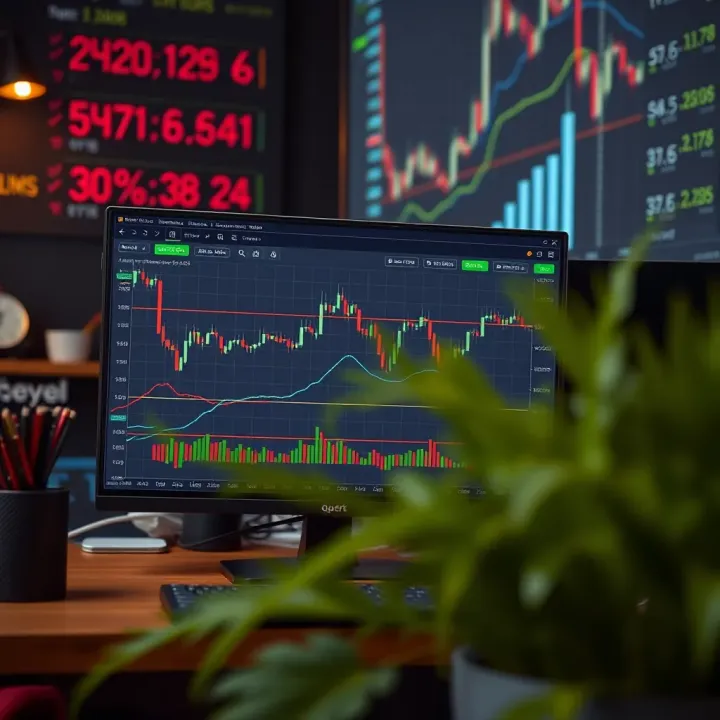
📈 Master TradingView charts with our practical guide! Learn key tools, indicators, and tips tailored for Pakistani traders to boost market insights.
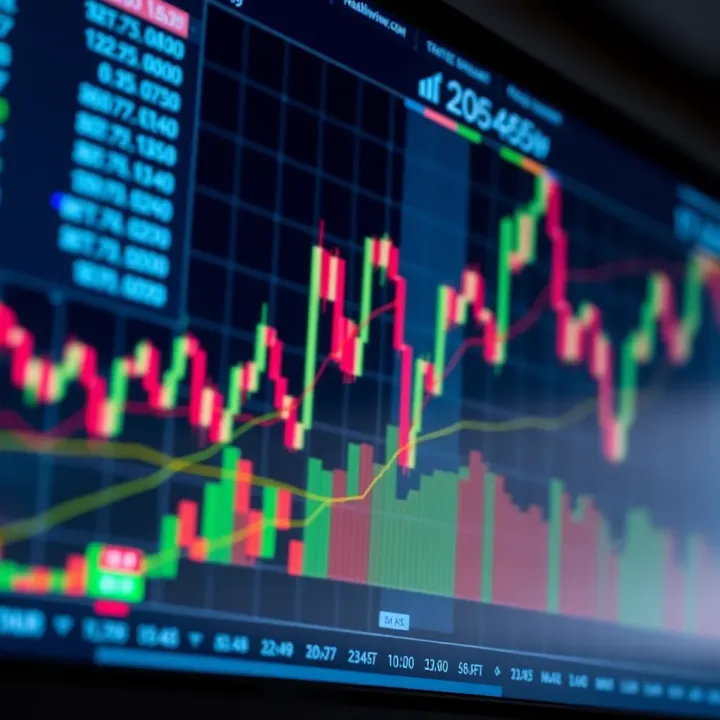
📊 Explore TradingView’s powerful charts and tools designed for traders and investors in Pakistan. Master market analysis and make smarter decisions today!
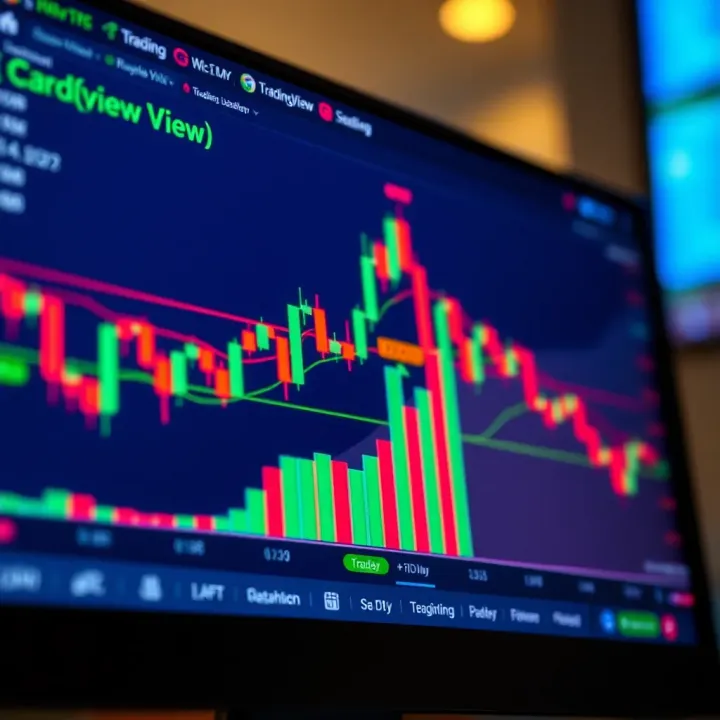
Explore TradingView.com 📈 with this detailed guide tailored for Pakistani traders. Learn charting tools, market analysis & boost your trading skills! 🇵🇰
Based on 12 reviews